Quickstart
This walks through one deploy end to end. You connect a repository, pick a region and size, and get a managed HTTPS URL that redeploys on every push.
You need a Naijacloud account and a Git repository containing a web application. Nothing else. No Dockerfile, no CI configuration.
1. Create a project
From Projects, choose New project. A project is a container for the services that make up one application, across all of its environments.
Once created, the project opens on its dev environment with no services yet.
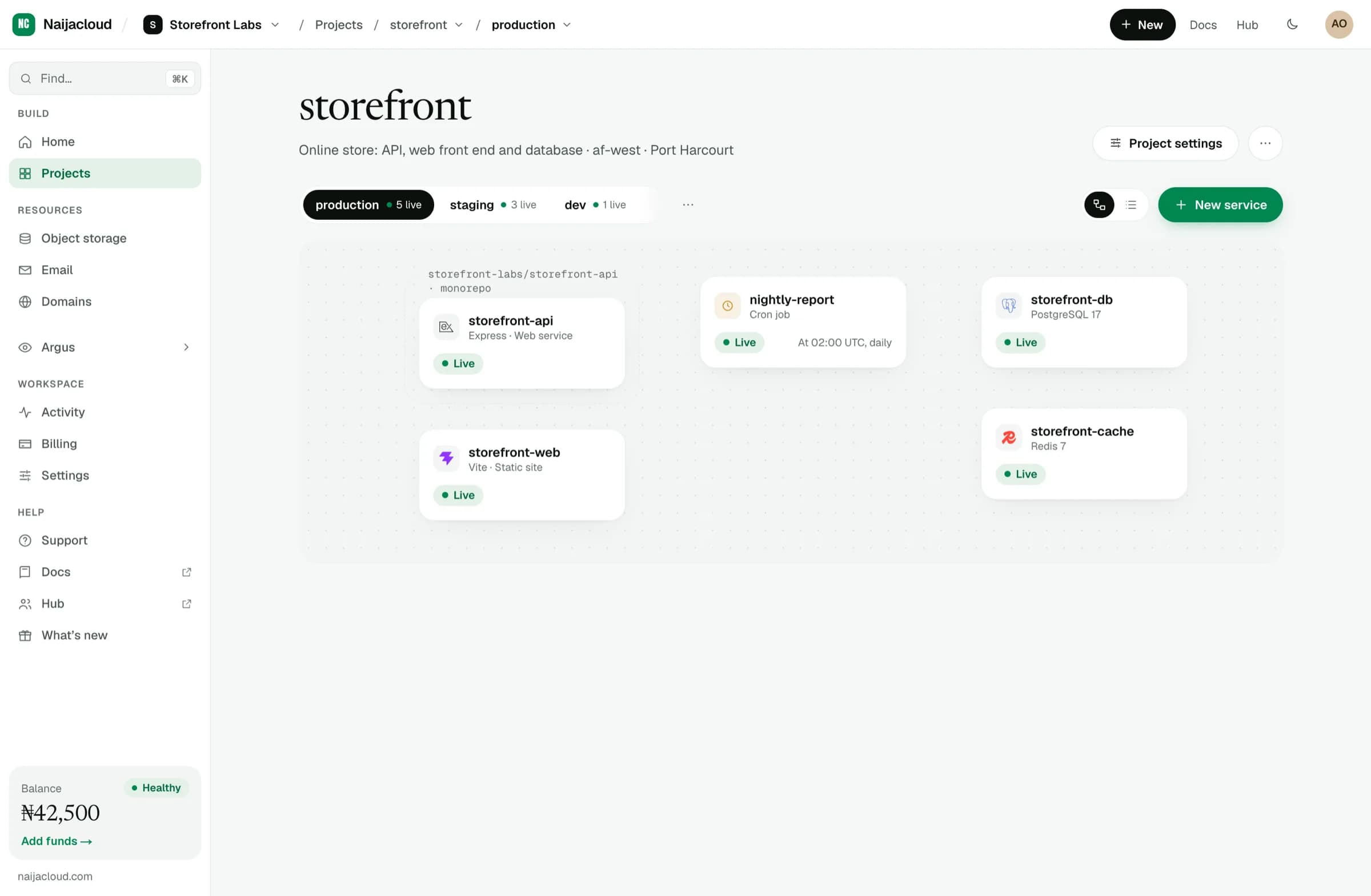
2. Add a web service
Choose New service, then Web service. This opens one form covering everything the service needs to run.
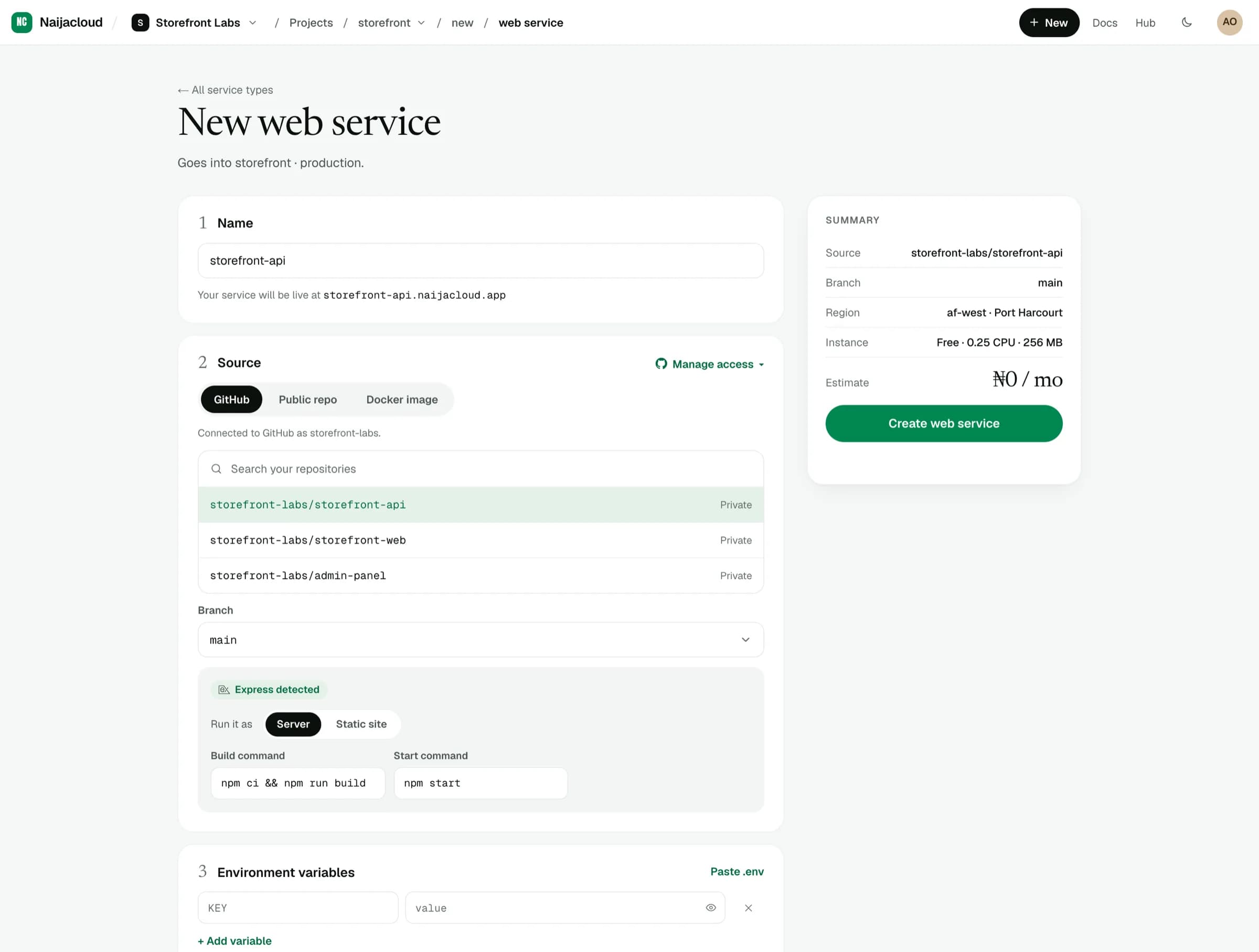
Working down the form:
- Source
Connect your GitHub account and pick the repository and branch. You can also deploy a public repository by URL, or an image you already have. See Connecting a source.
- Build
We detect most stacks and fill in the build and start commands. Override them if your project needs something else. See Builds & start commands.
- Environment variables
Anything your app reads at runtime. See Environment variables.
- Region
Where the service runs. Pick the region closest to your users.
- Instance type
How much CPU and memory the service gets. Start small. You can change it later without redeploying from scratch.
The summary panel on the right shows what you are about to create, including the estimated monthly cost, before anything is provisioned.
3. Deploy
Choose Create web service. We clone the repository, build an image, start the container, and wait for it to respond before sending traffic to it.
You can watch the build as it happens:
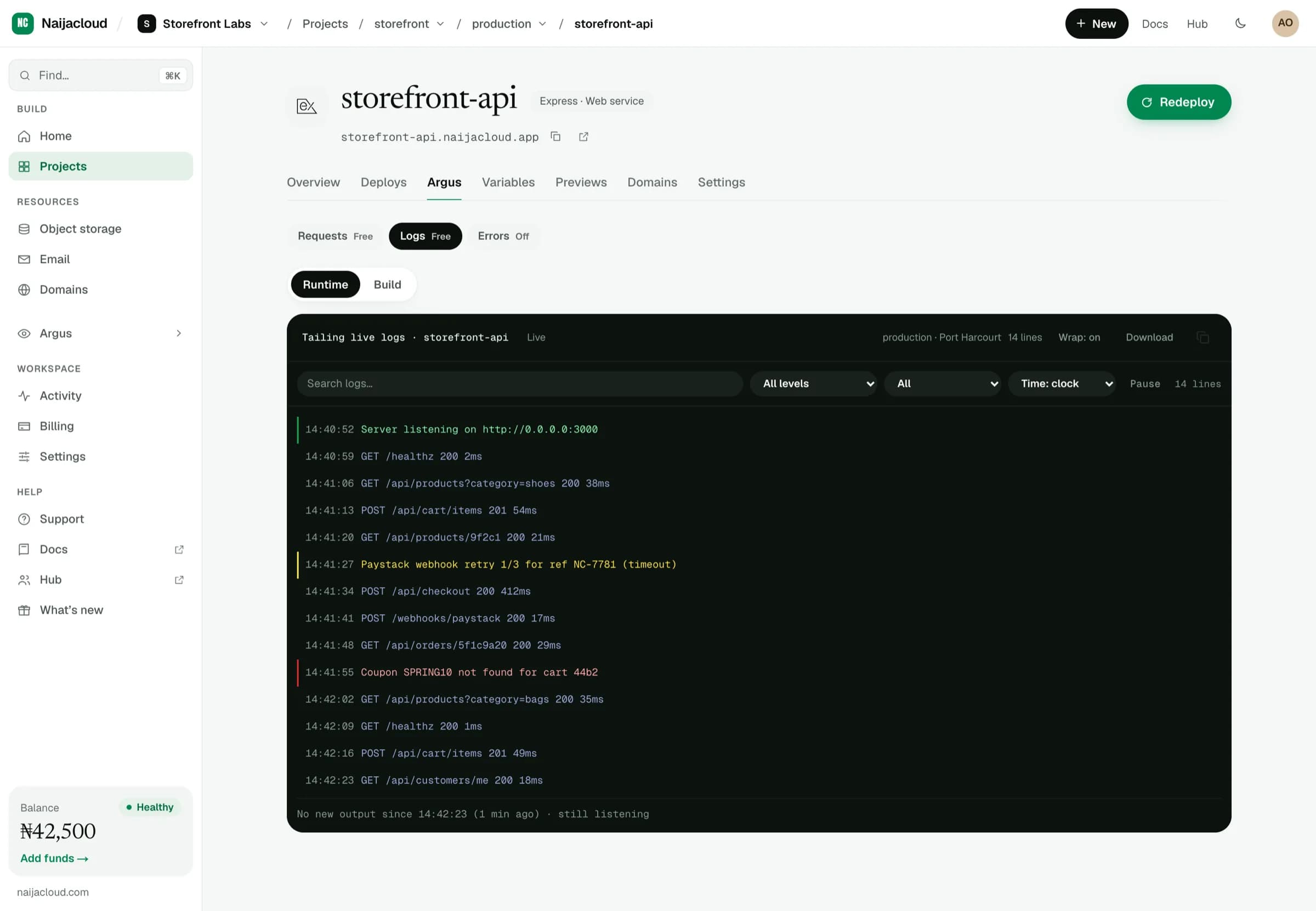
When the build finishes and the health check passes, the service goes Live on its own HTTPS URL.
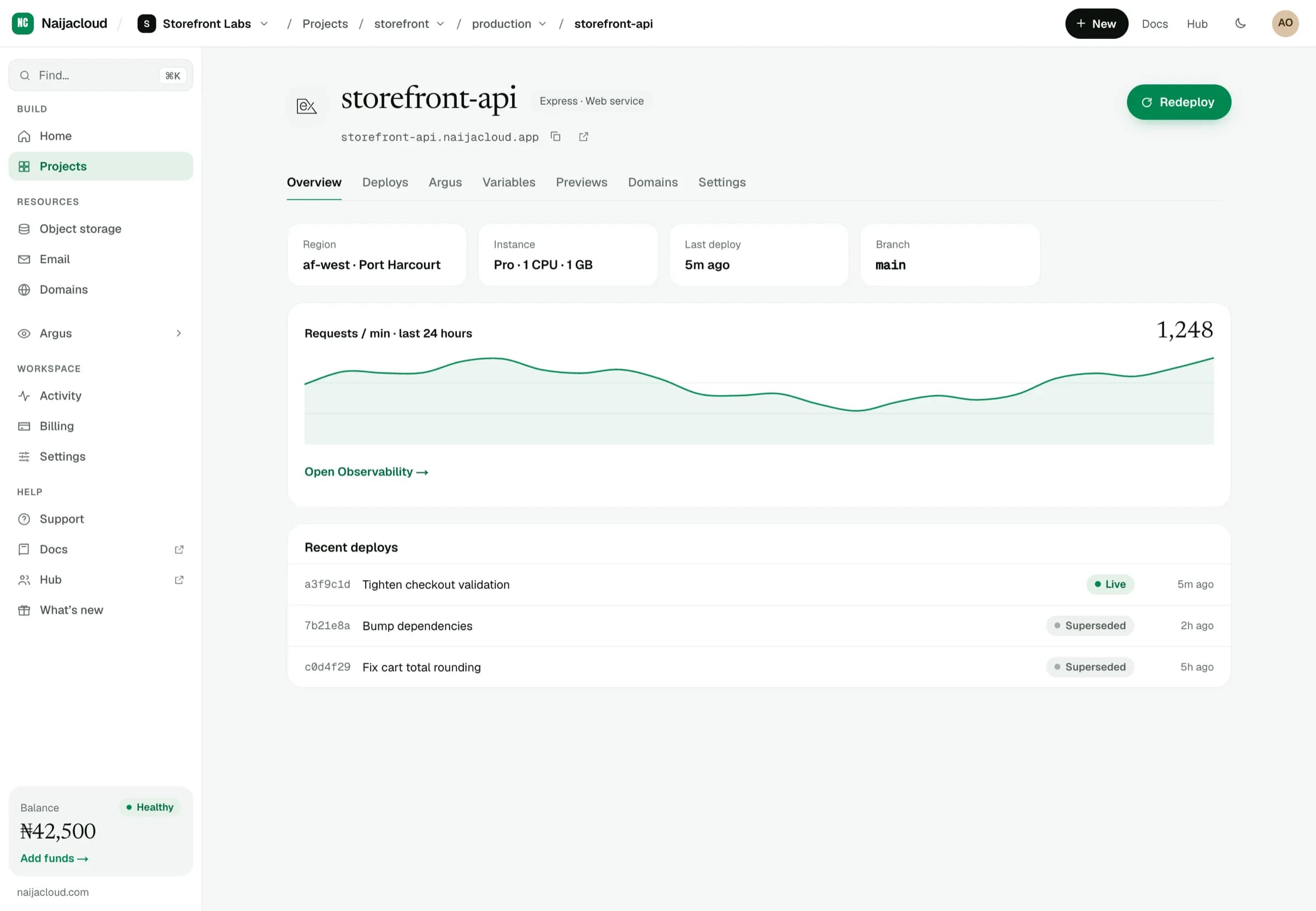
Traffic only moves to a new release once it passes its health check. If a build or health check fails, the previous version keeps serving.
4. Push to deploy
Every push to the connected branch triggers a new deploy automatically. There is nothing else to wire up.